Part 3: Monitoring Your FL Training
Now that both your aggregator and client are set up and running, let's monitor your federated learning experiment in action.
Tracking Training Progress
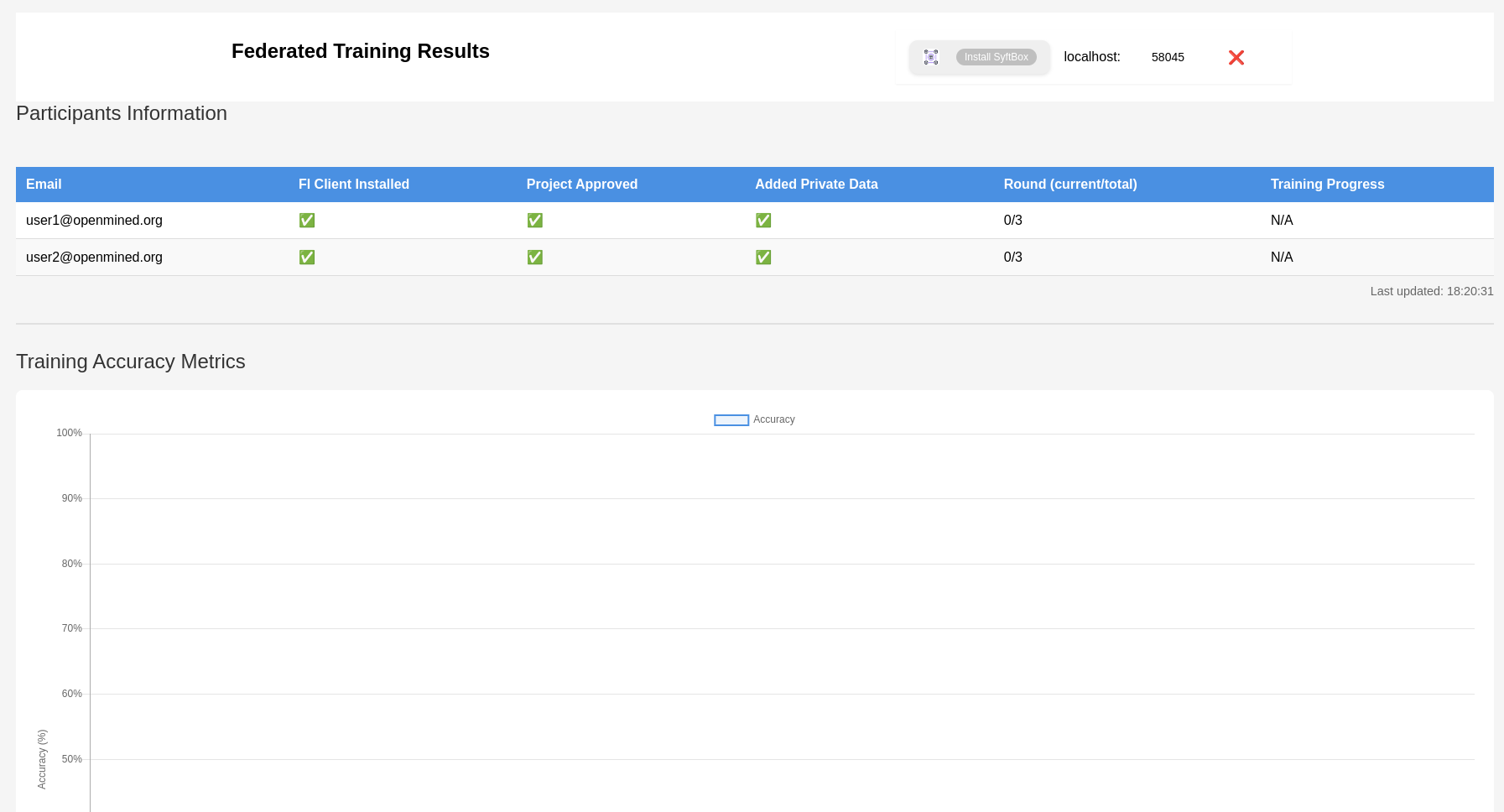
- Access the metrics dashboard:
https://syftbox.openmined.org/datasites/your.datasite/fl/[YOUR_CREATIVE_NAME]_MNIST_FL/
Below is a sample metrics dashboard for the MNIST_FL project:
- Monitor client logs:
$HOME/SyftBox/apps/fl_client/logs/
- Monitor aggregator logs:
$HOME/SyftBox/apps/fl_aggregator/logs/
What to Watch For
- Training Rounds: Track the progress of each federated learning round
- Model Performance: Monitor accuracy and loss metrics
- Participant Status: Check the status of all participating clients
- System Health: Keep an eye on logs for any potential issues
Troubleshooting Tips
If you encounter any issues:
- Check both client and aggregator logs for error messages
- Ensure your SyftBox client is still running in the original terminal
- Make sure your training data is properly loaded
🎉 Congratulations! You've now completed all parts of the federated learning example! Your system is now fully operatonals to participating in privacy-preserving machine learning on the live SyftBox network..
tip
🤖 For a deeper understanding of the system architecture and implementation details, check out the Aggregator and Client Implementation Guides.